Status pages: communicate proactively, reduce tickets
A proactive status page absorbs support tickets. Learn what to communicate, how often to update and which language builds trust when it matters.
Martin Semmele
Key takeaways
- A transparent status page absorbs roughly 30 to 40 per cent of pure 'is it down?' enquiries during an incident.
- The first status update must be online within 10 minutes, even when the exact cause is still unclear.
- Plain language without technical jargon or platitudes prevents misunderstandings among users.
- Updates every 30 minutes are mandatory. Even confirming that you are still looking reassures customers.
Why transparency reduces ticket volume
When a digital service fails or responds slowly, users always react to the same pattern. They reload the page, try another browser, suspect the problem is on their own network and finally open a support ticket. If they find no official information, the uncertainty grows with every minute. The support inbox fills up with identical questions about availability while the technical team is working flat out on the fix at the same moment.
Staying silent at such moments ties up valuable support resources. A dedicated status page acts as the central, reliable source of information: according to PagerDuty it is the single reliable source of information during an incident and therefore reduces the number of follow-up enquiries1. An analysis by StatusDrop put the effect at 30 to 40 per cent of routine enquiries following the pattern 'is the service down right now?'. Users who see immediately that the problem is known and being worked on do not raise support requests of their own.
To reduce ticket volume, explaining incidents after the fact is not enough. Transparency works preventively: it takes pressure off the team and stops operational escalations from paralysing regular customer service.
- Uninformed users create redundant tickets across every channel at once.
- The support team has to type out manual status updates instead of concentrating on complex individual cases.
- Proactive transparency signals technical control and stabilises customer trust.
What absolutely belongs on a status page
A status page is not a fig leaf with a single blanket status indicator. A global switch that merely flips between green and red is of little help day to day. Real system problems rarely affect the entire platform at once; they often hit only individual sub-services such as login, file export or mail delivery.
A meaningful status page breaks systems down into logical components and includes external third parties too. If payments are stuck at an external payment provider, or the CDN has hiccups, that is exactly what belongs on the status page. Atlassian Statuspage offers dedicated third-party components for this: if your service depends heavily on an external provider, its component can be embedded and its status is updated automatically2. That lets users see where the fault actually lies.
| Status level | Meaning | Typical scenario |
|---|---|---|
| Operational | All systems are working within normal parameters. | Regular operation of all endpoints. |
| Degraded | Systems work but respond with noticeable delay. | Increased load times on database queries. |
| Partial outage | Individual functions or regions are unreachable. | Login disrupted, but existing sessions continue. |
| Major outage | Core functions are blocked for the majority of users. | Complete standstill of the web application. |
| Maintenance | Planned technical work with downtime announced in advance. | Database migrations inside the announced maintenance window. |
The historical availability record of the past 90 days is just as indispensable. Trying to delete or hide past outages destroys trust for good. An unbroken history demonstrates maturity and reliability, even where there have been incidents in the past.
The first response: online within 10 minutes
In an incident, speed counts. The most important rule for incident communication is this: the first sign of life on the status page must be published within 10 minutes of the problem becoming known. PagerDuty puts the window for the first customer-relevant message at 10 to 15 minutes after detection1. Many teams make the mistake of waiting to post until developers have analysed the cause precisely. In that span of time dozens of users are already writing angry tickets.
The goal of the first status update is not a detailed explanation but confirmation that you have noticed. You are telling users that the symptom has been registered and is being worked on. That keeps internal support response times stable, because users do not first have to ask whether the problem is at their end.
- 01Minute 0-3: monitoring fires, or the first user signals come in.
- 02Minute 3-7: brief internal verification of the reported behaviour within the on-call team.
- 03Minute 7-10: publication of the first status update at the 'investigating' stage on the status page.
- 04Minute 10+: start of deeper root-cause work without pressure from a flood of status tickets.
A pragmatic template for this first update reads: 'We are currently investigating reports of problems with login. Some users cannot sign in to their account at the moment. We are working on the cause and will publish the next update in 30 minutes.'3. No more detail is needed at the first step.
The rhythm: updates every 30 minutes
After the first sign of life, the phase of continuous information begins. For critical incidents (SEV1) a fixed update interval of no more than 30 minutes is compulsory3. Atlassian words it the same way in its incident communication tips: updates every 30 minutes (or at a cadence appropriate to the situation) so that users are not left in the dark until resolution4. If more time passes without a new message, affected users get the impression of a standstill or of a team out of its depth.
Often the engineers know no more after 30 minutes than they did at the start. That is no reason to go quiet. A plain update along the lines of 'we are still analysing the cause in the database cluster, next update in 30 minutes' is worth more than silence, because silence is read as giving up3. It shows users that the incident is being actively looked after.
| Severity | Impact on users | Communication cadence | Primary channels |
|---|---|---|---|
| SEV1 (critical) | Complete outage, or a core function blocked for everyone. | Every 30 minutes | Status page, support widget, email subscription |
| SEV2 (high) | Severe restriction or partial outage across many accounts. | Every 60 minutes | Status page, email subscription |
| SEV3 (medium) | Minor impairment, workarounds available. | On status change | Status page |
Avoid promising unrealistic completion times (ETAs) at all costs. A missed resolution promise damages credibility more than the technical outage itself. Promise the specific time of the next update instead3. That keeps expectations manageable.
The language: plain and without excuses
The tone during an incident decides whether users react with understanding or frustration. The rule here is radical plainness: drop the technical gibberish, the legal hedging and the marketing platitudes. Phrases such as 'some users may be experiencing isolated delays' come across as insincere when the system is simply down.
Write what is actually the case instead. 'The database is responding slowly' is understood immediately by any management team and any support agent. 'We are recording elevated P99 latencies on the primary shard cluster', by contrast, only generates unnecessary follow-up questions. Shifting blame to cloud or third-party providers is equally out of place. Atlassian puts it as a ground rule: an incident technically caused by another provider is still a problem with your service from the customer's point of view, so you should own it as your own4. To your customers you are the contracting party: name external outages factually, but not as an excuse.
| Vague and obscuring | Clear and fact-based |
|---|---|
| 'We are currently optimising performance for a better user experience.' | 'Loading the dashboard is currently delayed by up to 10 seconds. We are fixing a bottleneck in caching.' |
| 'Intermittent irregularities in the authentication workflow.' | 'Login via email is failing. Login via SSO continues to work.' |
| 'Due to a third-party error we ask for your patience.' | 'Our mail provider is processing outgoing email with a delay. New registration emails are arriving late.' |
Keep apologies short and to the point. A single matter-of-fact sentence of regret is entirely sufficient. On a status page users are looking for usable facts and the current state of play, not for sprawling platitudes.
Resolution: the all-clear and the post-mortem
Once the technical fault is fixed, do not jump straight from 'investigating' to 'resolved'. Professional incident communication knows the intermediate stage 'monitoring': Atlassian Statuspage defines four incident statuses, where 'monitoring' means the fix is presumed to be working and you are waiting for the symptoms to disappear5. This signals that the fix has been deployed and the systems are now being watched under real load. Should there be a relapse, you avoid the embarrassment of reopening a case already declared solved.
Only once the metrics stay stable over a solid period does the final all-clear follow. The closing message should summarise precisely what happened, how long the outage lasted and that all sub-systems are now fully available again.
- All-clear pattern: 'The login disruption is fully resolved. Since 14:45 all authentications have been running without errors again. We continue to monitor the systems.'
- Transparent summary: a short statement of the total downtime for affected customer teams.
- Outlook on the follow-up: announcement of the detailed incident report for further information.
For more serious incidents a transparent post-mortem is standard. Atlassian recommends defining the trigger via clearly measurable severity levels: from a defined severity upwards the post-mortem process starts as a binding step, while for lighter incidents it remains optional6. Many teams set themselves a window of 36 to 48 hours after the incident for this7. That report summarises the cause, the timeline and the concrete measures that will prevent a repeat. Such a report is ideally filed in the public Help Centre. Radical openness after an incident demonstrates professional maturity and restores lost trust.
Status right inside the support widget
A standalone status page on a subdomain is indispensable, but it does not solve the problem on its own. When a system stutters, users rarely navigate deliberately to a separate status URL. Their first reflex takes them straight into the application or onto the support page, to open the chat window.
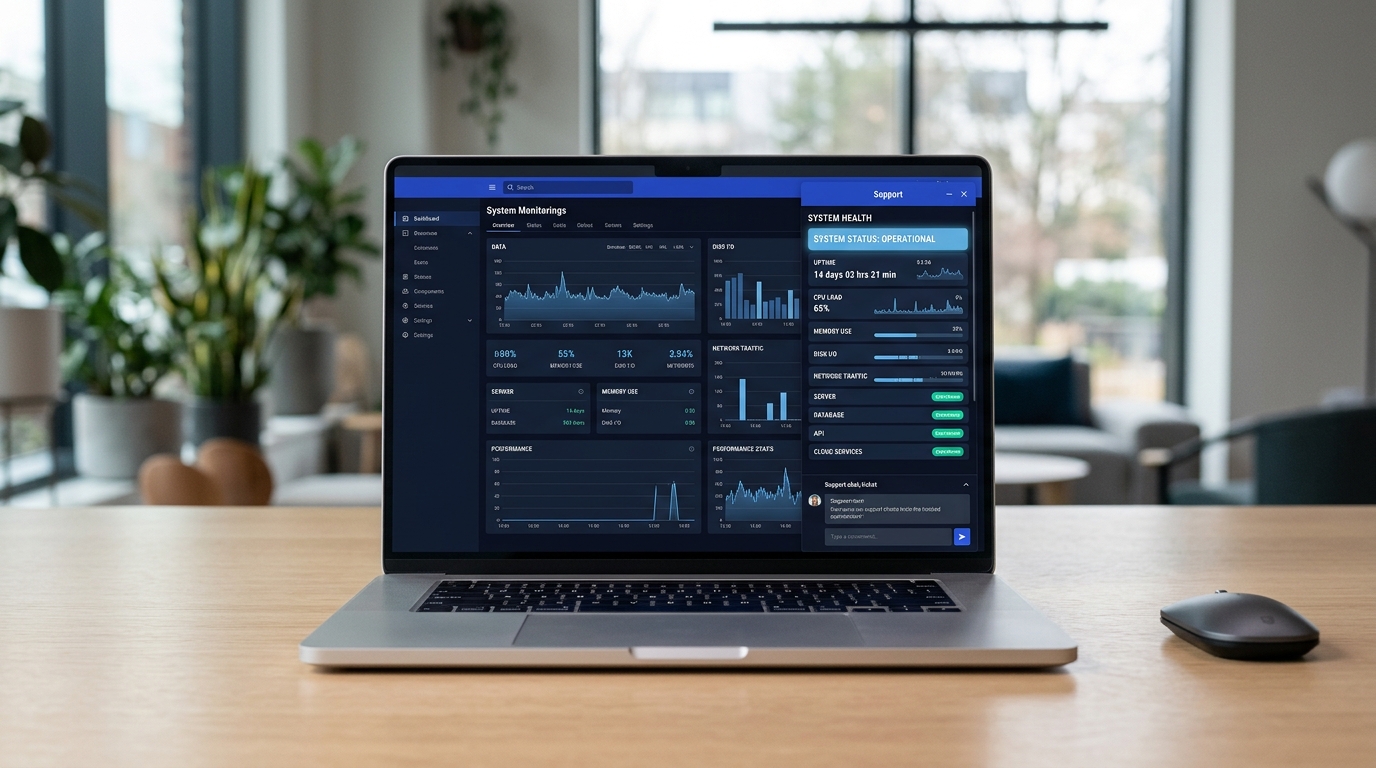
That contact point is exactly where the status information has to be present. When status messages and the operating state of individual components are visible directly in the chat widget, you absorb enquiries before the user has typed a word. A note such as 'API operational', or a prominent warning about an ongoing login disruption, answers the most pressing question immediately and in plain sight.
Platforms such as ComLayer integrate the status page module directly into the support widget and the Help Centre. Instead of managing three separate subscriptions for widget, Help Centre and status page, incidents and maintenance can be steered from one central place. That saves maintenance effort and ensures your customers are informed, when it matters, exactly where they go looking for help.
Frequently asked questions
What absolutely belongs on a status page?
A status page shows the state of individual system components (e.g. API, login, database) and not just a global status. External dependencies such as payment providers and the historical availability of the last 90 days belong on it too.
How quickly does the first status update have to happen?
The first update should be published within 10 minutes of an incident being detected. It is enough to confirm the problem and communicate that the cause is currently being investigated.
How often should the status page be updated during an incident?
An update every 30 minutes is the standard. Even where there are no new findings, a short update signals that the team is still actively working on the resolution and is not leaving users in the dark.
What language is appropriate during an incident?
Communication must be plain, direct and easy to understand. Technical jargon, blame-shifting and marketing platitudes are off limits. Short, clear sentences without evasion build the most trust.
How much does a status page reduce the ticket load?
Proactive communication absorbs above all the routine enquiries about availability. An analysis by StatusDrop puts this effect at 30 to 40 per cent of 'is it down?' tickets during an incident.
Why is a post-mortem important?
An incident report after the disruption documents transparently what happened and which measures will prevent a repeat. That radical honesty strengthens customers' long-term trust in your operations.